Short answer: An AI chatbot for your website answers visitor questions instantly, captures leads and books appointments around the clock. To choose one, decide what it must do, where its answers come from (ideally your own content), how it hands off to a human, and how you will measure results before you launch.
Gartner predicts that by 2029 agentic AI will resolve 80% of common customer service issues without human intervention, and the U.S. Chamber of Commerce found that 40% of small businesses used generative AI in 2025, nearly double the 23% of 2023.
Key takeaways
- A good website chatbot answers from your own pages, policies and FAQs, not from general internet knowledge.
- Choose between a ready-made chatbot tool and a custom build based on how specific your answers and integrations need to be.
- Every chatbot needs a clear human handoff and a way to collect contact details.
- Launch small, read real conversations every week and improve the knowledge base from what visitors actually ask.
What does an AI chatbot on a website actually do?
A modern AI chatbot understands questions written in normal language and replies in a natural way. For a small business, its main jobs are usually:
- Answering common questions about services, prices, hours, delivery and policies.
- Qualifying leads by asking a few questions and collecting name, email and phone number.
- Booking appointments or calls through your calendar tool.
- Checking order or booking status when connected to your systems.
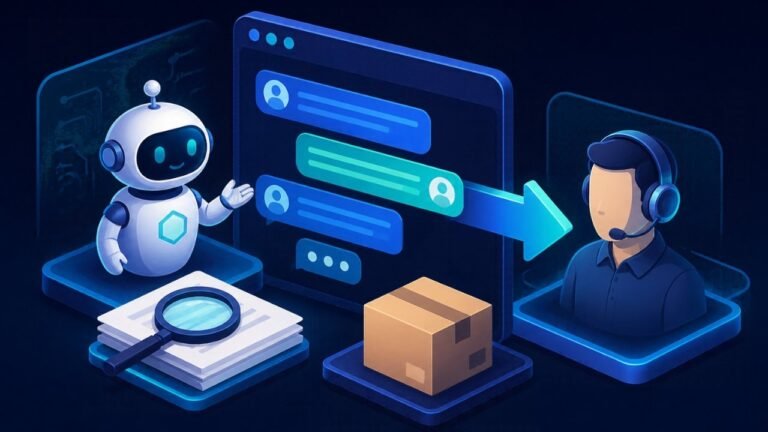
- Passing complex or sensitive conversations to a person.
Older rule-based chatbots followed fixed button menus. AI chatbots can handle questions phrased in many different ways, which makes them far more useful, but they also need guardrails so they do not invent answers.
How do you choose the right AI chatbot for your website?
Ask these questions before comparing tools:
- What is the main goal? More leads, fewer support emails, or more bookings. One primary goal keeps the design simple.
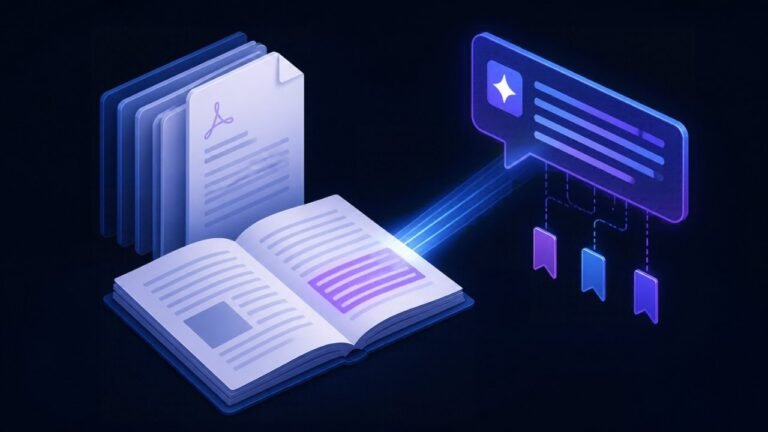
- Where will answers come from? Your website pages, PDFs, help articles or a product catalogue. A chatbot that uses retrieval (RAG) answers from these sources and can show where the answer came from.
- Which systems must it connect to? Your CRM, calendar, e-commerce platform or helpdesk.
- How will handoff work? Live chat to a team member, a callback form, or an email ticket.
- What data will it collect? Plan consent, storage and who can see conversation logs.
Should you buy a chatbot tool or build a custom one?
| Approach | Good fit when | Pros | Cons |
|---|---|---|---|
| Ready-made chatbot platform | Simple FAQs and lead capture on a standard website | Fast setup, no code, built-in widget and inbox | Less control over answers, monthly fees, limited integrations |
| Website builder or helpdesk add-on | You already use a helpdesk or site builder that offers AI chat | Data and inbox in one place | Tied to that vendor and its features |
| Custom RAG chatbot | Answers depend on detailed documents, or you need custom integrations and workflows | Full control, answers with sources, connects to any system | Needs a developer, testing and ongoing maintenance |
How do you build and launch a website chatbot?
- Collect your knowledge: service pages, pricing rules, FAQs, policies and the questions your team answers every week.
- Clean it up: remove outdated pages and contradictions. A chatbot is only as accurate as the content behind it.
- Write the bot’s instructions: tone of voice, what it must never promise, when to ask for contact details and when to hand off.
- Connect the essentials: calendar for bookings, CRM for leads, and an inbox or helpdesk for handoffs.
- Test with real questions: include tricky, off-topic and angry messages. Fix wrong answers by improving the content, not only the prompt.
- Launch on a few pages first: for example contact and pricing pages, then expand.
- Review weekly: read conversations, track leads and resolved questions, and add missing answers.
What mistakes should you avoid?
- Letting the chatbot answer from general knowledge instead of your own content.
- Hiding the human option, which frustrates customers with urgent or unusual problems.
- Making it ask too many questions before it helps.
- Never reviewing conversations after launch.
- Collecting personal data without telling visitors how it will be used.
Where to go next
To understand how a chatbot can answer from your own documents, read what a RAG chatbot is. If most of your enquiries arrive by phone, see the AI receptionist for small business guide, and if your customers prefer messaging, read about a WhatsApp AI chatbot for business. When you are ready to build, our AI chatbot development and RAG chatbot development services cover design, build and launch. If customers now ask ChatGPT about you first, our guide to the ChatGPT business profile explains how to claim and check yours.
Dental practices use the same setup: see our AI chatbot for dental offices.
Frequently asked questions
Can an AI chatbot answer using my own website content?
Yes. A retrieval-based (RAG) chatbot searches your pages and documents for each question and writes the answer from them, which keeps replies accurate and on-brand.
How long does it take to launch a website chatbot?
A simple FAQ chatbot on a ready-made platform can go live quickly. A custom chatbot with integrations takes longer because content, connections and testing all need to be done properly.
Will a chatbot replace my support staff?
Usually not. It handles repetitive questions and after-hours enquiries so your team can focus on complex cases, sales and customers who need a person.
How do I stop a chatbot from giving wrong answers?
Limit it to your approved content, tell it to say when it does not know, test with real questions, and review conversations regularly to fix gaps.
Try it free: take the 3-minute AI readiness quiz, see what missed calls cost you with the AI savings calculators, try the in-browser RAG chatbot demo or listen to the AI receptionist demo.
Sources
- Gartner, Agentic AI will resolve 80% of common customer service issues by 2029 (March 2025)
- U.S. Chamber of Commerce, The Impact of Technology on U.S. Small Business
- OWASP Gen AI Security Project, 2025 Top 10 for LLM and Gen AI Apps
Written by Waseem Hassan, AI/ML engineer and founder of NexaIntellect AI. Planning a chatbot for your website? Book a free consultation.

AI/ML engineer building LLM agents, RAG systems and automation for growing businesses.