Short answer: AI invoice processing for small business uses AI to read invoices from email or PDFs, pull out the supplier, amounts, dates and line items, check them against purchase orders, and send them to your accounting software for approval. It cuts manual data entry and late payments while a person still approves every payment.
Document AI is no longer only for large companies: The U.S. Chamber of Commerce found that 40% of small businesses used generative AI in 2025, nearly double the 23% of 2023.
Key takeaways
- AI reads invoices in many layouts, so you no longer need a template for every supplier.
- The biggest wins are less typing, fewer entry errors and faster approvals.
- Keep a human approval step before any payment is made.
- Start with one inbox and your top suppliers, then expand once accuracy is proven.
What is AI invoice processing?
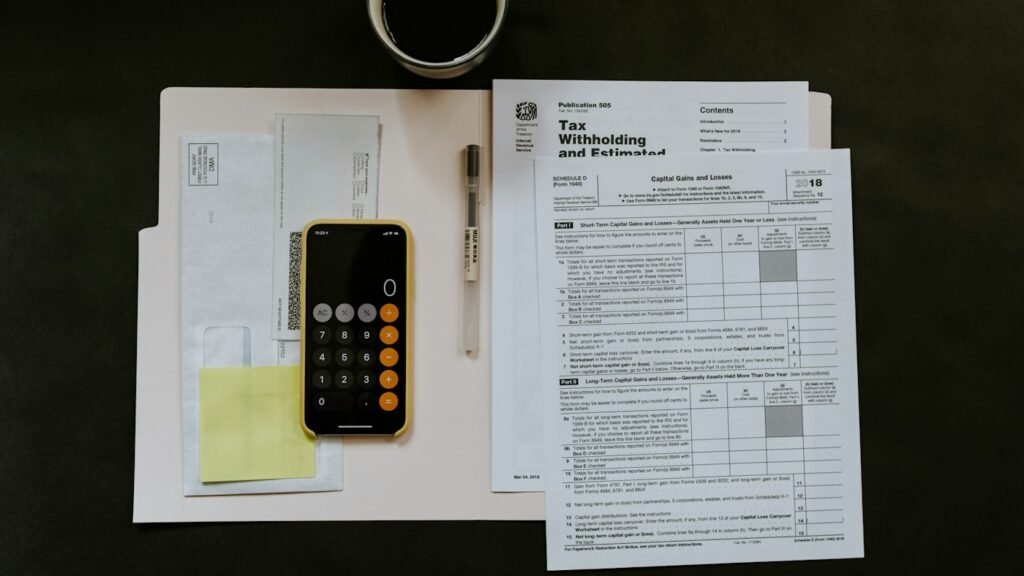
Traditional invoice handling means someone opens each email, downloads the PDF, types the details into accounting software and chases approvals. AI invoice processing automates the reading and data entry. An AI model with document understanding (often combined with OCR for scanned files) extracts the key fields, a workflow checks them, and the result lands in your accounting system as a draft bill for review.
How does an AI invoice workflow work?
- Capture: invoices arrive in a dedicated inbox or upload folder.
- Extract: AI reads supplier name, invoice number, dates, totals, tax and line items.
- Validate: the workflow checks for duplicates, missing fields and totals that do not add up, and matches against purchase orders where you use them.
- Route: the draft bill goes to the right person for approval, with the original PDF attached.
- Sync: approved bills are created in your accounting software and scheduled for payment by your team.
- Report: a weekly summary shows what is due, overdue or flagged.
How does AI compare with manual invoice entry?
| Area | Manual processing | AI-assisted processing |
|---|---|---|
| Data entry | Typed by staff | Extracted automatically, reviewed by staff |
| New supplier layouts | No setup, but slow | Handled without a template in most cases |
| Duplicate invoices | Easy to miss | Flagged automatically |
| Approvals | Email back-and-forth | Routed with reminders |
| Visibility | Spreadsheet or memory | Live list of due and overdue bills |
What tools do you need?
- An invoice inbox such as bills@yourcompany.com that suppliers send to.
- An AI document model that can read PDFs and images reliably.
- An automation platform (for example n8n, Zapier or Make) or a custom script to connect the steps.
- Your accounting software such as QuickBooks or Xero, connected through its official integration or API.
- An approval channel such as email, Slack or Teams.
What are the risks and how do you control them?
- Extraction errors: require review of totals and bank details, and flag low-confidence fields.
- Invoice fraud: treat any change in a supplier’s bank details as high risk and confirm it by phone using a number you already have.
- Data privacy: invoices contain business and personal data, so choose tools with clear data handling terms and limit who can access them.
- Over-automation: never let the workflow pay a bill on its own.
How do you get started?
Pick one inbox and your ten most frequent suppliers. Run the AI workflow alongside your normal process for a few weeks and compare results. Once the extracted data is consistently correct, switch your team to reviewing instead of typing, and add more suppliers.
Where to go next
Invoice processing is one of the workflows in AI automation for small business: 12 workflows to automate first. To see how AI reads documents more generally, read what a RAG chatbot is. Our AI automation service can design and connect the full workflow to your accounting software. Once invoice data flows in cleanly, you can track it alongside sales and cash; our guide to AI business dashboards explained shows how.
Running a dental or medical practice? See how these workflows apply to supplier invoices, insurance paperwork and patient billing in AI automation for dental practices.
For more ideas, see these 12 AI automation workflows for small business.
Frequently asked questions
Can AI read scanned or photographed invoices?
Yes, in most cases. Clear scans work best. Blurry photos or handwritten notes may need manual review, so the workflow should flag low-confidence results.
Does AI invoice processing work with QuickBooks or Xero?
It can. The workflow creates draft bills through the accounting software’s official integration or API, and your team approves them there.
Will AI pay my invoices automatically?
It should not. Use AI to capture, check and route invoices, and keep payment approval with a person in your team.
Is AI invoice processing worth it for a small business?
It is usually worth it when you handle invoices every week and staff spend hours on data entry or chasing approvals. With very few invoices, a simple checklist may be enough.
Try it free: take the 3-minute AI readiness quiz, see what missed calls cost you with the AI savings calculators, try the in-browser RAG chatbot demo or listen to the AI receptionist demo.
Sources
- U.S. Chamber of Commerce, The Impact of Technology on U.S. Small Business
- Google Cloud, Document AI overview
- NIST, AI Risk Management Framework
Written by Waseem Hassan, AI/ML engineer and founder of NexaIntellect AI. Tired of typing invoices by hand? Book a free consultation.

AI/ML engineer building LLM agents, RAG systems and automation for growing businesses.