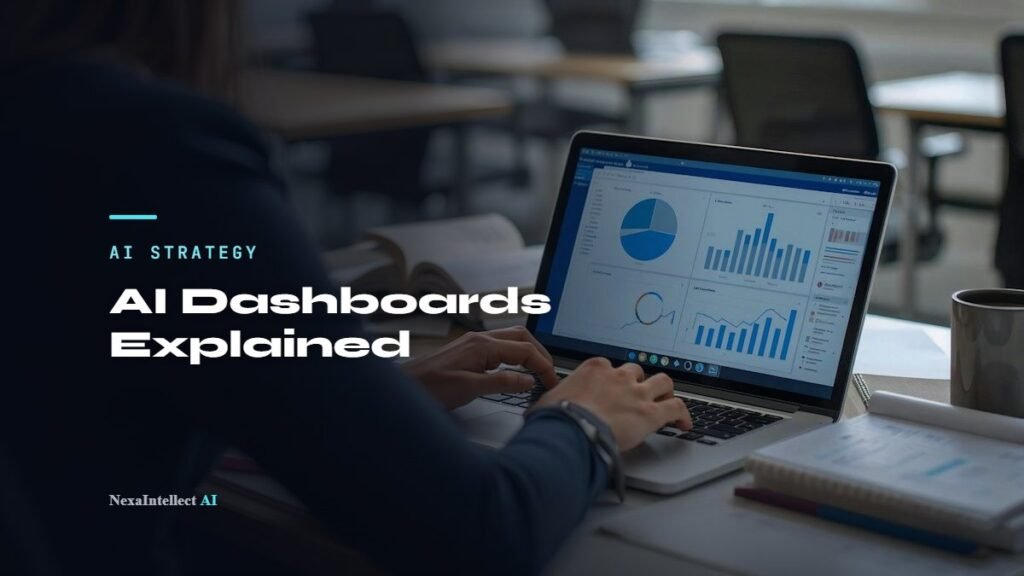
Short answer: An AI business dashboard is a live report that pulls your sales, marketing and operations numbers onto one screen, then uses AI to explain what changed and answer questions in plain English. For a small business, it replaces hours of weekly spreadsheet work with faster answers and early warnings when a number moves the wrong way.
Key takeaways
- An AI dashboard does two jobs: it shows your key numbers in one place, and it explains them (summaries, plain-English questions, alerts).
- Big platforms now include AI features, but check the fine print: Microsoft says Copilot in Power BI needs a paid Fabric (F2 or higher) or Premium (P1 or higher) capacity, not just a Pro license.
- Most small businesses only need 5 to 10 numbers on their first dashboard. Start with the questions you already ask every Monday.
- The AI is only as good as the data behind it. Clean, connected data matters more than the tool you pick.
What is an AI business dashboard?
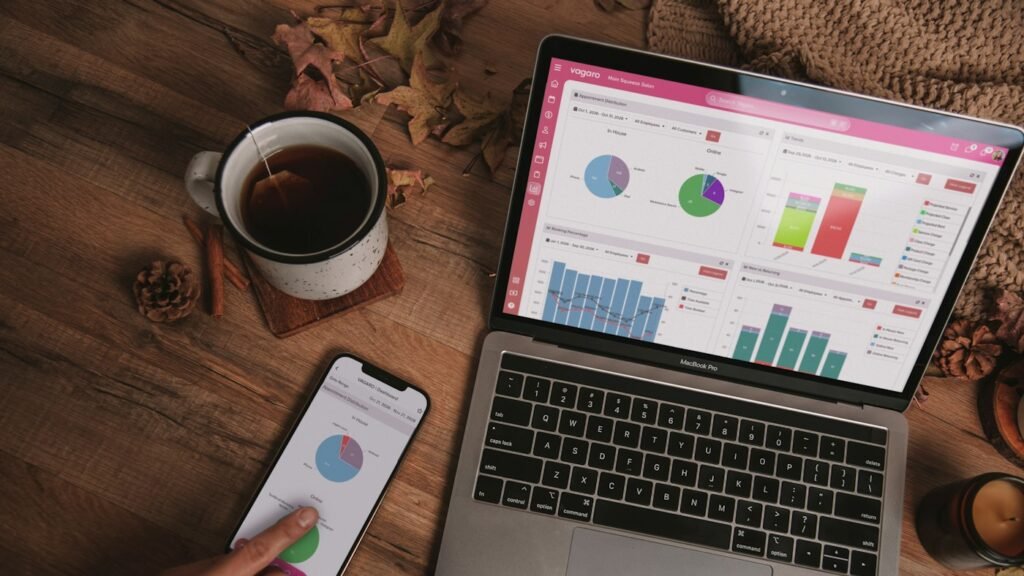
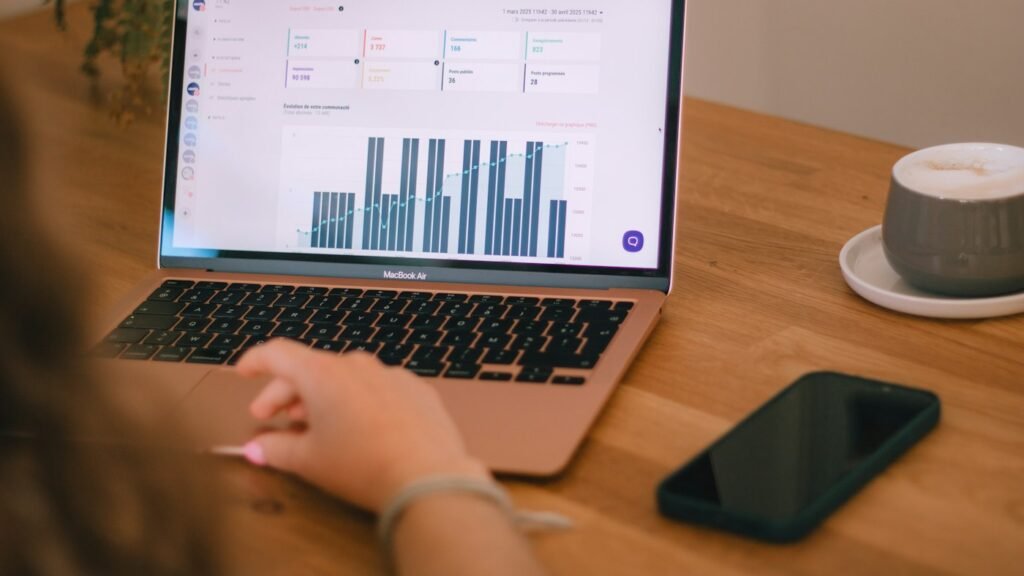
A business dashboard is a single screen that shows your most important numbers: revenue, leads, bookings, cash, stock levels, or whatever keeps your business running. It connects to the tools you already use, such as your accounting software, CRM, booking system, online store or ad accounts, so the numbers update on their own.
An AI business dashboard adds a layer on top. Instead of only showing charts, it can:
- Summarize what changed this week in a few sentences.
- Answer questions typed in plain English, such as “Which service brought in the most revenue last month?”
- Flag unusual changes, like a sudden drop in website leads or a spike in refunds.
- Forecast simple trends, such as next month’s sales, when there is enough history.
How is an AI dashboard different from a regular dashboard?
A regular dashboard shows you what happened. An AI dashboard also helps you understand why and what to look at next. Here is the practical difference:
| Task | Regular dashboard | AI business dashboard |
|---|---|---|
| Weekly review | You read every chart yourself | A short written summary of what changed |
| A new question | Someone builds a new chart or report | You type the question and get an answer or chart |
| Spotting problems | You notice it if you happen to look | Alerts when a number moves outside its usual range |
| Planning ahead | Manual spreadsheet estimates | Trend forecasts based on your history |
One caution: AI answers can be wrong, especially when the question is vague or the data is messy. Treat AI summaries as a fast first read, and check the underlying numbers before making a big decision.
Which tools offer AI dashboard features for small businesses?
You have three broad options. Here is how they compare, based on the vendors’ own documentation as of November 2026.
- Microsoft Power BI with Copilot. According to Microsoft’s Copilot for Power BI overview, Copilot can summarize a report, answer questions about your data and create report pages from a prompt. The catch for small teams is licensing: Microsoft’s requirements page says Copilot needs a paid Fabric capacity (F2 or higher) or Power BI Premium (P1 or higher), and that a Pro or Premium Per User license alone is not enough.
- Google Data Studio (formerly Looker Studio). Google says on its Data Studio page that the tool is available at no charge for creators and report viewers, with a Pro tier listed at $9 per user per project per month. Google’s documentation describes Gemini features and a conversational, chat-with-your-data experience; several are labeled preview, and some are tied to the Pro subscription.
- A custom AI dashboard. A dashboard built around your own data sources, with a language model that answers questions and writes summaries. This makes sense when your data lives in several systems that off-the-shelf tools do not connect to well, or when you want answers delivered by email, Slack or WhatsApp instead of a separate app.
| Option | Best for | Watch out for |
|---|---|---|
| Power BI + Copilot | Businesses already on Microsoft 365 with structured data | Copilot needs paid organizational capacity |
| Google Data Studio | Low-cost reporting on Google Ads, Analytics and Sheets data | Some AI features are in preview or require Pro |
| Custom AI dashboard | Data spread across many tools; answers inside the apps you already use | Needs a clear scope and someone to maintain it |
What should a small business track on an AI dashboard?
Start with the questions you already ask every week. A few examples by business type:
- Home services and local trades: calls answered vs. missed, jobs booked, average ticket, jobs by technician.
- Dental and healthcare practices: appointments booked, no-shows, new patients, revenue by provider.
- Ecommerce stores: orders, conversion rate, return rate, best and worst sellers, ad spend vs. revenue.
- Agencies and professional services: billable hours, project margin, pipeline value, overdue invoices.
- Restaurants: daily sales, top menu items, labor cost as a share of sales, review ratings.
Keep the first version small. Five to ten numbers you trust beat fifty numbers nobody checks.
How do you set up an AI dashboard without a data team?
- Write down your top five questions. For example: “Are we on track for the month?” and “Where are our leads coming from?”
- List where the answers live. QuickBooks, Shopify, your CRM, Google Analytics, a booking tool, a spreadsheet.
- Clean the basics. Consistent customer names, service categories and dates. This step decides whether the AI’s answers can be trusted.
- Connect the sources to one tool, using built-in connectors where possible.
- Add the AI layer: a weekly summary, a question box, and two or three alerts for numbers that matter.
- Review after 30 days. Remove charts nobody uses and add the questions people actually asked.
What are the risks and limits of AI dashboards?
- Wrong answers: AI can misread a vague question or a badly labeled column. Keep the source numbers one click away.
- Data access: Decide who can see payroll, margins and customer details. Role-based access matters even in a ten-person team.
- Privacy: Check where your data is processed and whether the vendor uses it for training before connecting customer or patient records.
- Cost creep: AI features are often priced separately from the base tool. Confirm the full monthly cost before you commit.
Where to go next
To see what this looks like in practice, read our case study on an AI business intelligence agent for a BBQ restaurant. If you are still deciding where AI fits first, our guide on how to start using AI in a small business walks through the first steps, and AI invoice processing is a good way to get cleaner financial data into your dashboard. When you are ready to build, see our AI business dashboard service or start with an AI readiness assessment.
Frequently asked questions
Do I need a data analyst to use an AI business dashboard?
No. Once the data sources are connected and cleaned, owners and staff can ask questions in plain English. You may need help with the initial setup and with checking that the numbers are correct.
Is there a free AI dashboard option for small businesses?
Google says its Data Studio (formerly Looker Studio) is available at no charge for creators and viewers. Some of its Gemini AI features are in preview or tied to the paid Pro tier, so check the current terms before you rely on them.
Can I use Copilot in Power BI with just a Pro license?
According to Microsoft’s documentation, no. Copilot in Power BI requires a paid Fabric capacity (F2 or higher) or Power BI Premium (P1 or higher); a Pro or Premium Per User license alone is not sufficient.
How accurate are AI answers in a dashboard?
They are only as accurate as the data and the question. Clear column names, clean data and specific questions improve results. For decisions involving money or staff, check the underlying numbers.
Written by Waseem Hassan, AI/ML engineer and founder of NexaIntellect AI. He helps small businesses turn scattered spreadsheets and app data into dashboards that answer real questions. Book a free consultation.

AI/ML engineer building LLM agents, RAG systems and automation for growing businesses.